
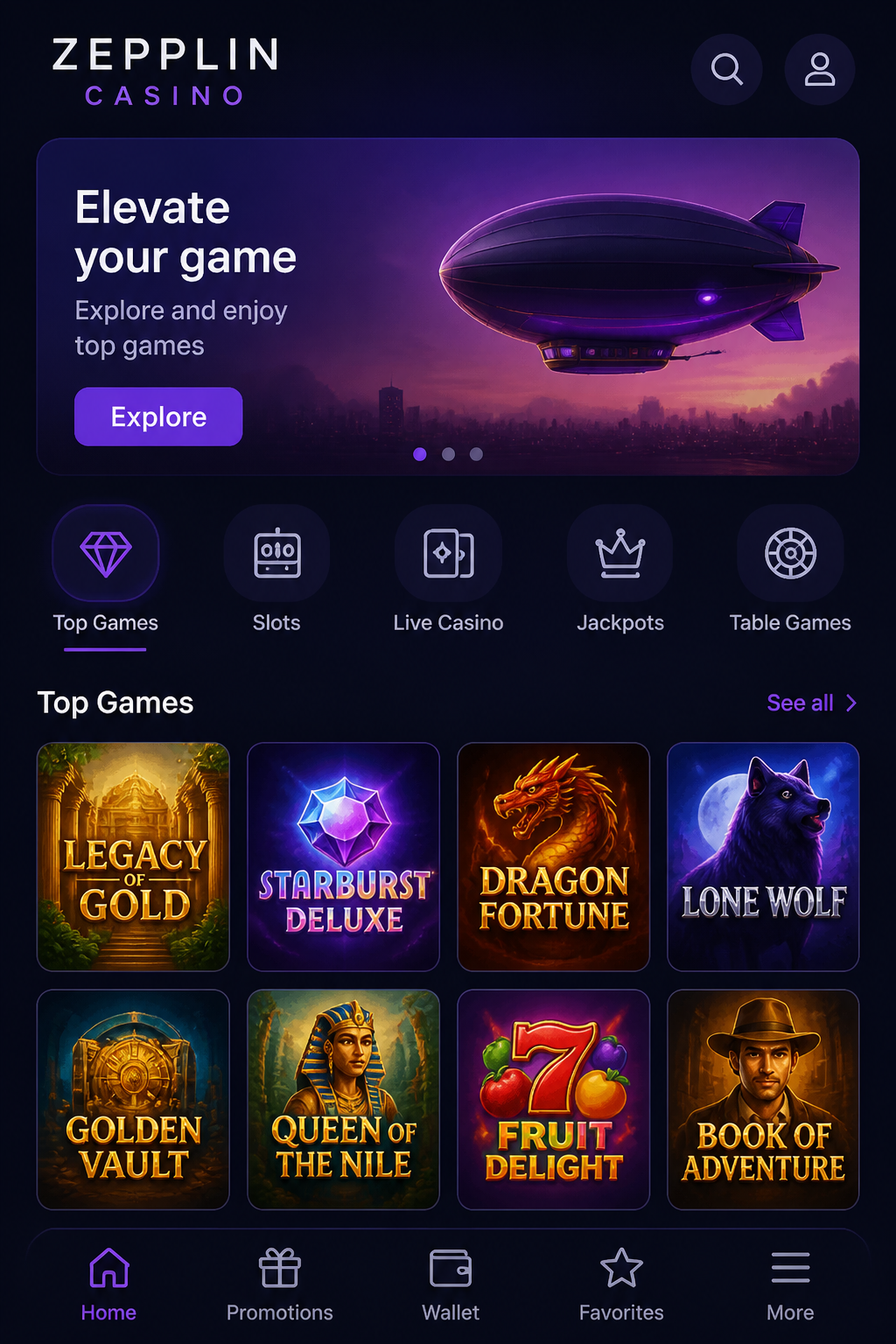
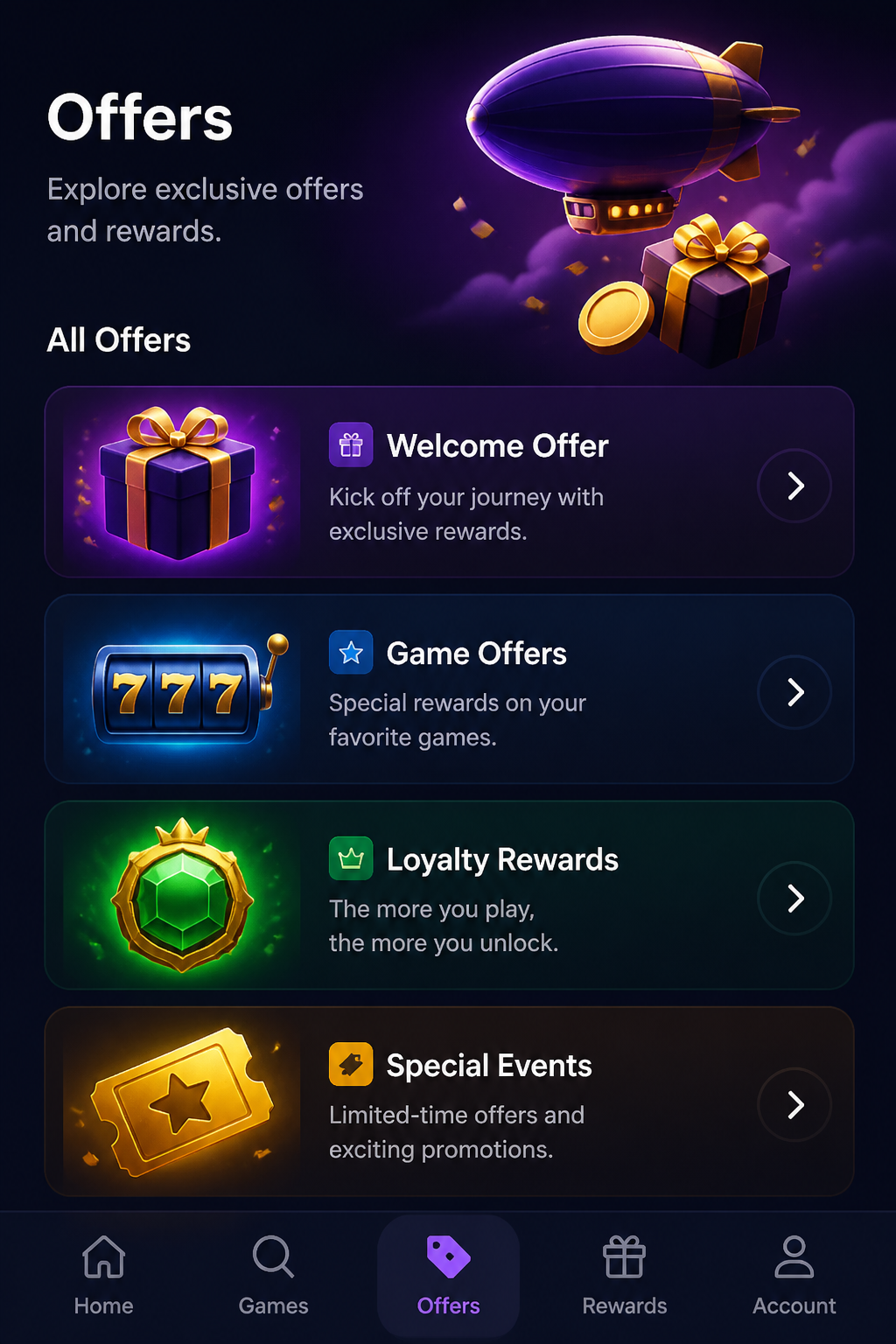
The term Zepplin Casino app can refer to a mobile website, a shortcut that launches web content or an application installed on a device. Those terms describe different technologies. A reference to mobile access does not, by itself, establish that a particular operator distributes a native application for either major mobile platform.
This article examines the practical differences between mobile interfaces, the handling of device permissions and the additional privacy considerations that arise on phones and tablets. The browser and payment examples describe common technologies rather than a record of tested Zepplin compatibility or accepted payment methods.
| Mobile interface types | Browser, web app, native software |
| Typical Android browsers | Chrome, Samsung Internet, Firefox |
| Typical iOS browsers | Safari, Chrome |
| Common mobile game formats | Slots, table games, live streams |
| International mobile payments | Visa, Mastercard, PayPal, Skrill, Neteller |
| Device protection | Permissions, updates, screen locks and credentials |
Understanding what runs on the device
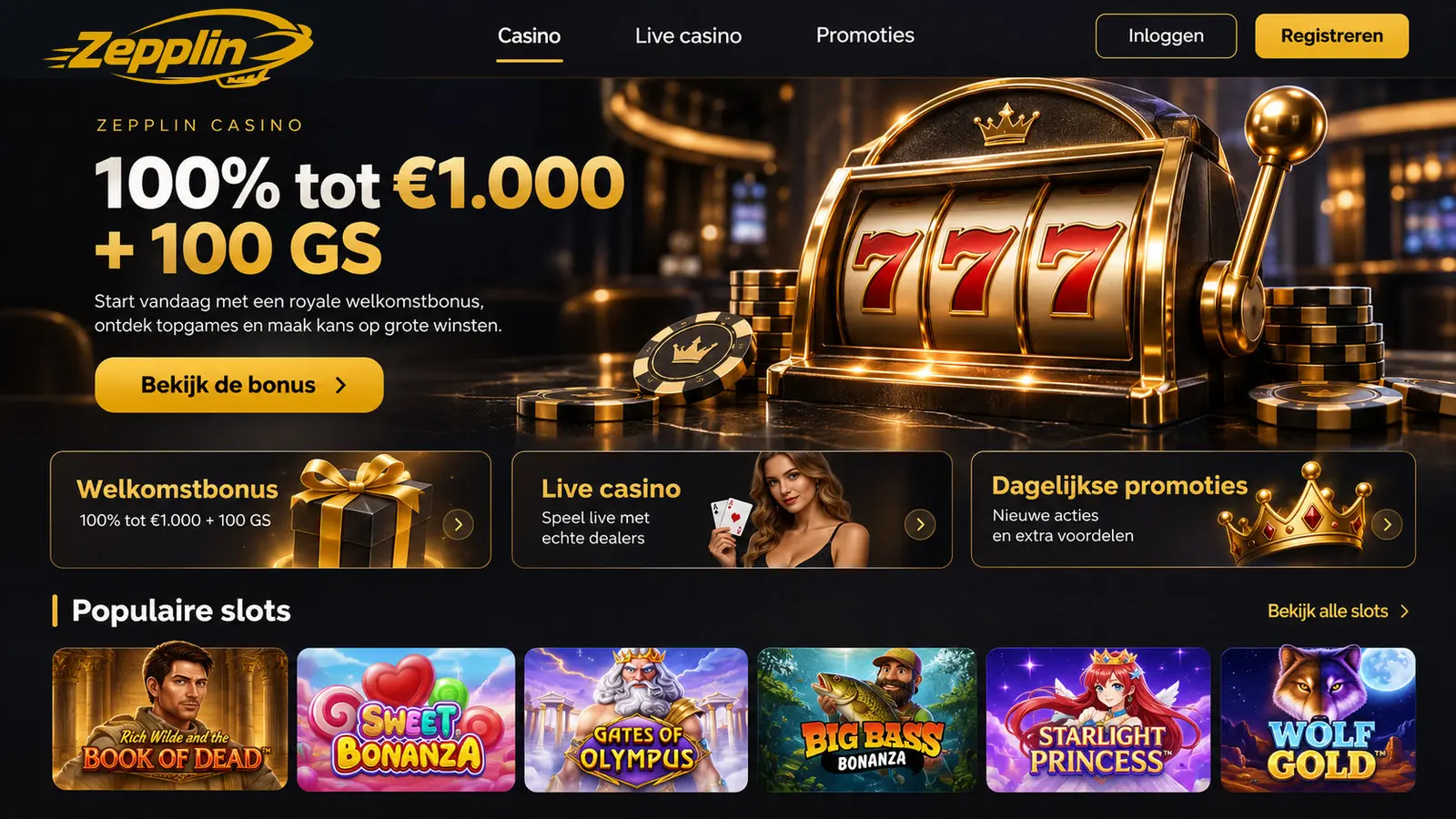
A browser retrieves content and interprets it within the environment supplied by the browser and operating system. An installed application may contain its own components and use operating system interfaces directly. The distinction affects how updates arrive, how data is kept on the device and which permissions can be requested. Two interfaces can look similar while using substantially different methods of delivering their content.
An icon added to the home screen may merely be a shortcut to a website. Some web applications use an interface that hides the ordinary browser address bar, which can make them resemble installed software. Their appearance does not establish a separate application listing or identify a developer. The relevant information is the origin of the content and the identity of the entity supplying it, not the shape of the icon.
Android and browser diversity
Common Android browsers include Chrome, Firefox and Samsung Internet. Each may offer different settings for storage, notifications, media playback and tracking protection. Hardware characteristics also vary across devices, from screen dimensions to the amount of available memory. Consequently, an interface that works in one browser or on one handset may behave differently elsewhere. A broad label such as mobile friendly does not represent a complete compatibility test.
Installation packages from unfamiliar sources present a different concern from ordinary web browsing. A file can imitate the name and visual identity of a known service while containing unrelated software. Instructions to disable security features or grant broad installation permissions deserve particular scrutiny. There is no need to install unverified software in order to examine an informational article about a gambling brand. Protecting the device should take priority over viewing a promotion.
iOS, software distribution and updates
Safari is widely associated with Apple's mobile environment, and Chrome is another familiar browser on iPhones and iPads. Different versions of the operating system can affect privacy options, media behaviour and the presentation of websites. An interface may also respond differently to the orientation of a tablet or the use of enlarged text. The existence of a browser does not establish that Zepplin has tested every supported configuration.
Where software is distributed through an application marketplace, a developer listing and update history can provide useful context. These details do not substitute for establishing the identity and legal authority of a gambling operator. Marketplace availability can vary by region and the rules governing software distribution are not the same as the laws governing gambling. Technical accessibility should never be treated as legal permission to participate.
Screen layout and financial comprehension
Mobile screens often present fewer elements at once than desktop screens. A navigation control may be hidden inside a menu, and terms may appear in a separate expandable panel. Information about balances or the consequences of an action can be distributed across multiple views. An attractive compact interface is not necessarily a clear explanation of a financial arrangement.
A user should be able to read the amount and currency of a proposed transaction without having to rely on a previous screen or a notification. Touchscreen controls can also be activated unintentionally when they are positioned close together. Accessibility options such as text enlargement can improve readability for ordinary browsing. If important terms cannot be read or the consequence of an action is unclear, the appropriate response is not to proceed with the transaction.
Connectivity and the records behind an interface
A live dealer feed is delivered as a stream of data. Network conditions can affect when a particular image or sound reaches a phone. The display may briefly pause during a change from a wireless connection to mobile data. Other types of interactive content may show a loading indicator while waiting for a response. These visual effects do not independently establish whether an earlier command was accepted.
Repeated interaction with a financial control after a connection problem may create uncertainty about the resulting records. The state of the transaction needs to be distinguished from the state of the local display. When documenting a problem, a timestamp, reference and description of the original event are more useful than assumptions based on the last frame of a video. A frozen display does not guarantee that a previous action was cancelled.
Mobile payment technology
Bank cards, electronic wallets and bank transfers are familiar payment categories internationally. Visa, Mastercard, PayPal, Skrill and Neteller are examples of payment services or card networks in the wider market. They differ in how a transaction is authorised and recorded, and availability is subject to geography, merchant arrangements and provider restrictions. None is presented here as an established Zepplin payment option.
On a phone, an authentication step may take place in a separate banking application or through a secure prompt. An authorisation message should identify the action the user is being asked to approve. Unexpected approval requests can be associated with attempted fraud. A person should not share a one-time code or grant remote control of a device to someone claiming to resolve a payment problem. The financial institution's established contact channel is the appropriate route for suspected misuse.
Permissions that extend beyond the screen
Mobile operating systems can give applications or websites access to particular device functions. Examples include the camera, location information and notifications. The fact that a permission prompt appears does not establish that the request is necessary. Reading an ordinary informational page does not normally require access to a person's contact list or microphone. A legitimate need for a camera during an identity procedure would be a different matter from granting indefinite access without explanation.
Previously granted permissions can often be reviewed in the device or browser settings. Removing a permission can affect future access, but it does not automatically retrieve information that has already been transferred. Clearing local storage similarly affects a device rather than every system operated by an external service. Consumers should consider the purpose and recipient of information before providing it, because later deletion may not undo an earlier disclosure.
Account protection and misleading messages
A fraudulent page can copy the branding, colours and text of another website. A familiar logo does not identify the destination of a submitted password. The exact address and the source of the message matter. Reusing credentials across unrelated services increases the impact of a single disclosure. A device lock and unique credentials are useful general protections, although neither can make a fraudulent recipient legitimate.
An encrypted connection protects certain information while it travels between endpoints, but it does not establish whether the destination is trustworthy. Similarly, a message claiming to be from customer support should not be accepted on the strength of its graphic design. If credentials have been entered into a suspicious interface, change the affected passwords through the genuine services and contact the relevant financial provider if payment information may have been exposed.
Notifications and the interruption of ordinary activities
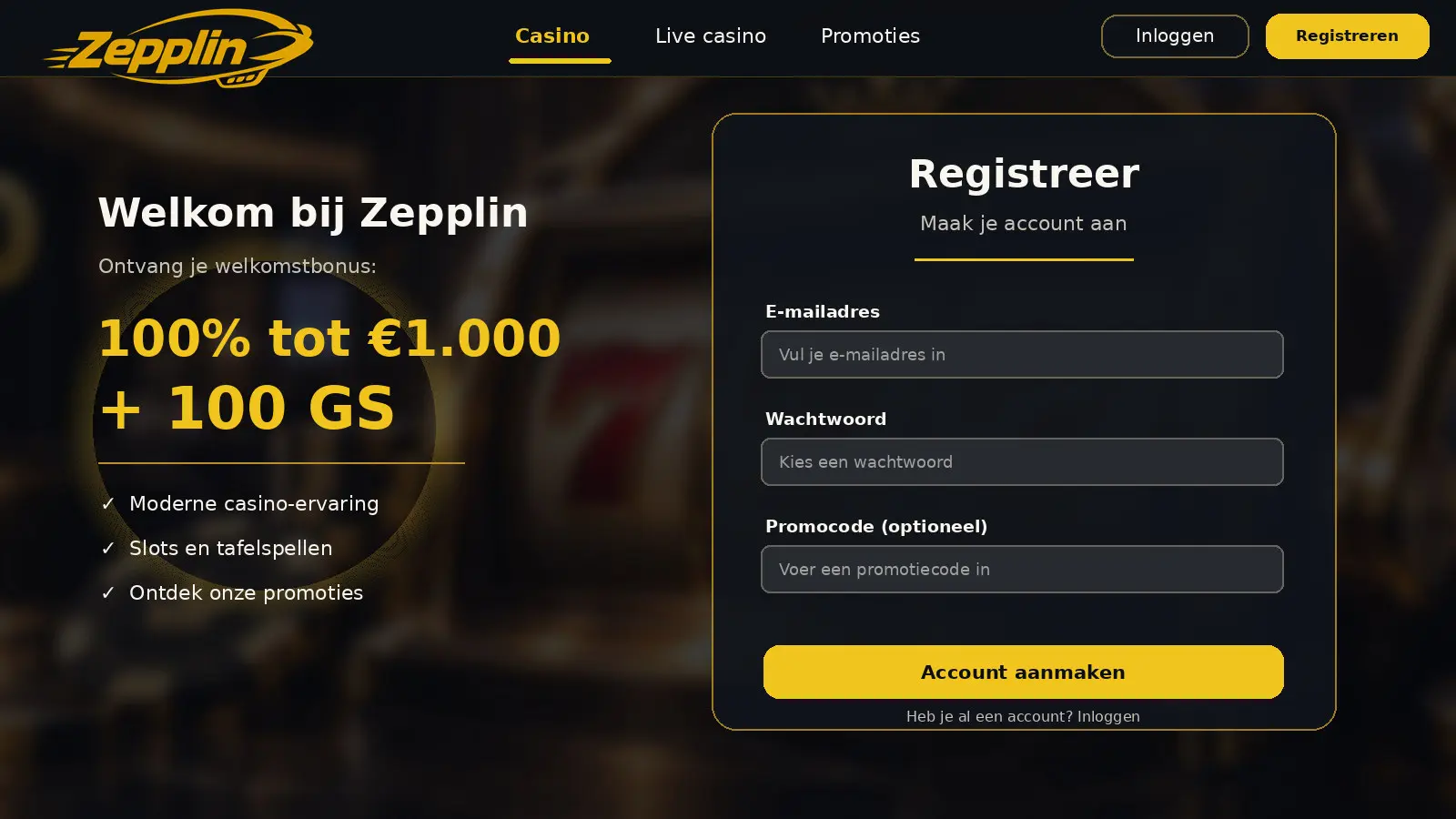
A mobile phone can bring a commercial message into settings that have nothing to do with gambling. An alert referring to the stated 100% up to €1,000 + 100 free spins offer might interrupt work, study or time with family. An alert is an attempt to attract attention, not a financial obligation. Its presence does not alter the probabilities or risks associated with a gambling product.
Restricting notifications and removing shortcuts can reduce unwanted reminders. If gambling has already become difficult to control, stronger measures may be appropriate, including exclusion arrangements and independent professional support. Device settings can support a decision to stop, but they do not replace the broader work of addressing financial or behavioural harm. A change of device should not be used to defeat a personal commitment to remain away from gambling.
Licensing and mobile availability are different questions
Curaçao is referenced in the supplied brand description. A licensing reference does not determine whether a service can lawfully be used in every territory. A mobile site may be technically visible in a location where gambling participation is restricted. Local regulatory requirements must be considered independently of operating system compatibility, the language displayed or the distribution of an application.
The practical conclusion for readers researching the Zepplin Casino mobile experience is that the type of interface and the identity of its publisher are separate from its legal status. Common browsers and payment technologies are useful context, not verified product features. There is no basis here for claiming a tested native app, a measured loading speed or a particular level of performance. Uncertain software provenance or legal authority is a reason not to proceed.